

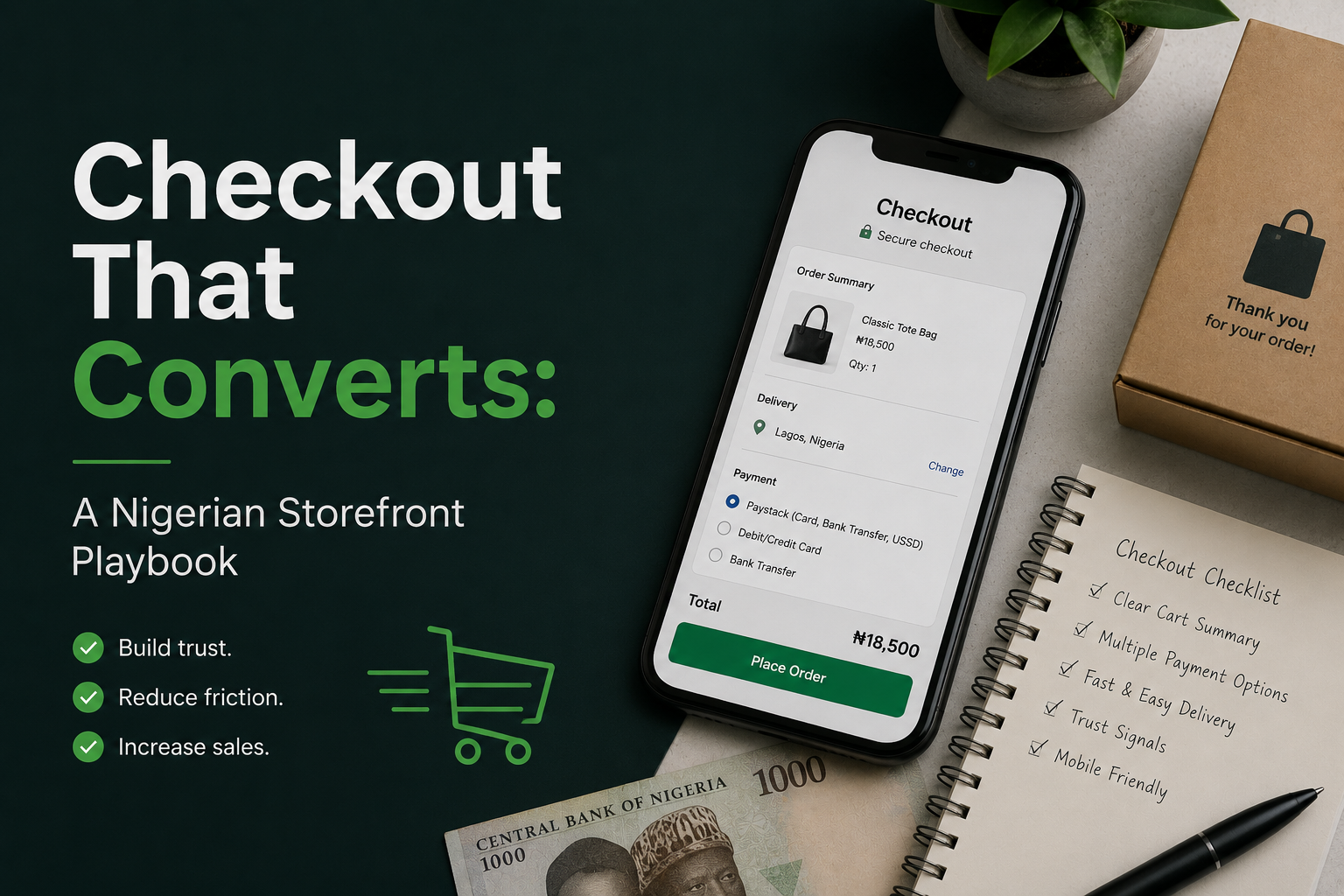
Checkout That Converts: A Nigerian Storefront Playbook
In Nigeria, many online shoppers don’t abandon because they dislike your product—they abandon because the last mile of the buying journey feels uncertain, slow, or risky. A high-converting checkout is less about flashy design and more about clarity, speed, trust, and payment reliability.
This playbook breaks checkout optimization into actionable steps you can implement in days, not months—while accounting for real local conditions like network variability, preferred payment methods, address complexity, and fraud concerns.
1) Diagnose Where Buyers Drop Off (Before You “Fix” Anything)
Checkout optimization starts with visibility. If you only track overall conversion rate, you’ll miss the specific step that’s leaking revenue. Map your funnel and measure each stage consistently across mobile and desktop.
For most Nigerian stores, the biggest drop-offs typically happen at: (1) unexpected delivery fees, (2) payment failures, (3) forced account creation, and (4) long forms on mobile.
- Track these funnel steps: Product view → Add to cart → Begin checkout → Address → Delivery option → Payment → Success page.
- Segment by device and network: Mobile vs desktop; returning vs new users; state/city where possible.
- Record error reasons: Failed payment, OTP issues, timeout, out-of-stock, invalid address, delivery unavailable.
If you can, add session replays for checkout pages only. Watching 20 real sessions often reveals issues analytics won’t show—like users repeatedly tapping a disabled “Pay” button or getting stuck on an address field.

2) Make Total Cost Obvious Early (Delivery Fees Kill Trust)
One of the fastest ways to increase completed purchases is to reduce “price shock.” Many shoppers add items to cart as a price check, then abandon when delivery or service fees appear late.
Instead of hiding costs until the last step, surface estimates early and keep them consistent throughout checkout.
- Show delivery estimate on the cart page: Use “Enter city/area” to preview delivery fee ranges.
- Explain what drives the fee: Weight, distance, same-day option, fragile handling, etc.
- Keep fees stable: Don’t change delivery cost after a user enters details unless absolutely necessary—and if it changes, show why.
Actionable tip: If your delivery fees vary widely by area, offer “pickup option” clearly. Pickup is not just a logistics feature—it’s a conversion lever for price-sensitive buyers.
3) Offer Payment Methods Nigerians Actually Use (And Make Them Reliable)
Payment choice and payment reliability are two different problems—and you must solve both. A checkout with many options but frequent failures still loses sales.
Common payment expectations include:
- Card payments: Must handle OTP/3DS smoothly and recover from declines.
- Bank transfer: Popular for high-ticket items and trust-sensitive categories.
- USSD: Useful when cards fail or for users who prefer bank-led flows.
- Wallet or “pay with balance”: Works best when you have repeat buyers and fast refunds.
Implementation best practices:
- Default to the most successful method: If transfers succeed more often than cards for your audience, place it first.
- Make bank transfer “instant” when possible: Use unique references and auto-confirmation to avoid manual delays.
- Use a payment retry flow: If a card fails, offer “Try again” plus alternative methods without losing the cart.
- Communicate confirmation timing: “Transfer confirmation may take up to X minutes.” Ambiguity creates support tickets and distrust.
Example: A fashion store can show: “Pay with Card (instant), Bank Transfer (instant confirmation), USSD (works without card).” The parenthetical is not marketing—it’s friction removal.
4) Reduce Form Friction: Short, Mobile-First, and Error-Proof
Most Nigerian shoppers are on mobile, often on fluctuating networks. A long checkout form is effectively a tax on their patience. Your goal is to capture only what’s needed to fulfill the order and contact the customer.
What to simplify:
- Allow guest checkout: Ask users to create an account after purchase, not before.
- Use smart defaults: Country preset, state/city dropdowns, and recent addresses for returning users.
- Minimize required fields: “Nearest landmark” can be optional unless your logistics truly needs it.
- Inline validation: Show errors as users type (e.g., phone number format), not after they submit.
- Autofill and input modes: Trigger numeric keypad for phone/OTP; use address autocomplete where possible.
Actionable tip: If you deliver to estates, campuses, or markets frequently, add quick address presets like “University of Lagos (Main Gate)” to reduce typing and errors.
5) Build Trust at the Exact Moment of Doubt
Trust is not a banner at the top of your homepage; it’s a set of micro-reassurances placed where the buyer hesitates: at payment and delivery steps.
Use trust signals that answer the shopper’s silent questions:
- “Will I get what I ordered?” Clear product photos, variant confirmation (size/color), and a visible return policy link in checkout.
- “Will delivery work?” Delivery timelines by location and an option to contact support quickly.
- “Is payment safe?” Secure payment messaging and recognizable payment method icons.
Place these in checkout: Under the “Pay” button and near delivery selection. Avoid clutter; one short line can outperform a long paragraph.
6) Engineer for Network Instability (Speed, Resilience, and Recovery)
On unstable connections, the biggest conversion killer is uncertainty: users don’t know whether the payment went through, whether the order was created, or whether they should try again. That’s how you get duplicates, disputes, and abandoned carts.
Resilience tactics:
- Fast pages: Compress images, reduce script weight on checkout, and avoid unnecessary trackers.
- Clear loading states: When processing payment, show “Do not refresh” plus a progress indicator.
- Prevent double submission: Disable the pay button after first tap; handle retries safely server-side.
- Idempotent payments: Ensure a second attempt doesn’t create a second charge/order.
- Recovery page: If the connection drops, let users return to “Complete payment” with their order reference.
Actionable tip: Always show an order reference immediately after initiating payment (even if payment is pending). That reference becomes the anchor for support and self-recovery.
7) Add “Human Help” Without Forcing a Support Conversation
Shoppers often abandon because they have one small question: sizing, delivery timing, payment confirmation, or whether an item is authentic. If the only option is “call us,” they’ll leave.
Provide low-friction help:
- Contextual FAQs in checkout: Short, collapsible answers like “How long does Lagos delivery take?”
- One-tap support: WhatsApp link or chat widget, but keep it lightweight for performance.
- Order status visibility: A simple tracking/status page reduces “Where is my order?” anxiety.
8) Post-Checkout: Confirmation, Updates, and Repeat Purchases
The conversion doesn’t end at payment success. A strong confirmation experience reduces refunds, chargebacks, and customer anxiety—while setting you up for repeat purchases.
On the success page and confirmation message:
- Restate the essentials: Items, delivery address, delivery timeline, and total paid.
- Explain next steps: “We’re confirming your payment” or “Your rider will call before delivery.”
- Make edits possible (brief window): Allow address/phone correction within a short timeframe to reduce failed deliveries.
Retention lever: After delivery, send a short message requesting a review plus a personalized recommendation. Keep it timed—too early feels automated; too late loses momentum.
9) Run Small Experiments That Move the Needle
Instead of redesigning everything, test high-impact changes one at a time and measure the effect on completed checkouts, not clicks.
High-ROI tests to run:
- Guest checkout vs forced login (usually a big win for new users).
- Delivery fee preview in cart (reduces late-stage abandonment).
- Payment method ordering (put the highest-success option first).
- Shorter address form (remove non-essential fields).
- Trust line under pay button (simple reassurance can increase completion).
How to interpret results: Watch for a shift in not just conversion, but also support volume and duplicate payments. A change that increases sales but doubles support workload may need refinement.
10) A Practical Checkout Optimization Checklist
- Total cost (items + delivery) visible before final step
- Guest checkout enabled
- Mobile-first form fields with correct keyboards and autofill
- Multiple payment options with clear success expectations
- Payment failure recovery without losing cart
- Order reference created early and visible
- Clear delivery timelines and pickup option where possible
- Trust signals placed near delivery and payment actions
- Fast-loading checkout pages (minimal scripts, optimized assets)
- Post-checkout confirmation and status updates
Closing Thoughts
A converting checkout is a system: transparent pricing, locally relevant payments, fast mobile UX, resilience to network issues, and trust-building in the right places. When you treat checkout as a product (measured, iterated, and engineered), you don’t just gain more sales—you reduce support strain and improve customer satisfaction.
Pick two improvements from this playbook, implement them this week, and measure the funnel impact. Momentum comes from small, proven wins stacked over time.


0 Comments
1 of 1