

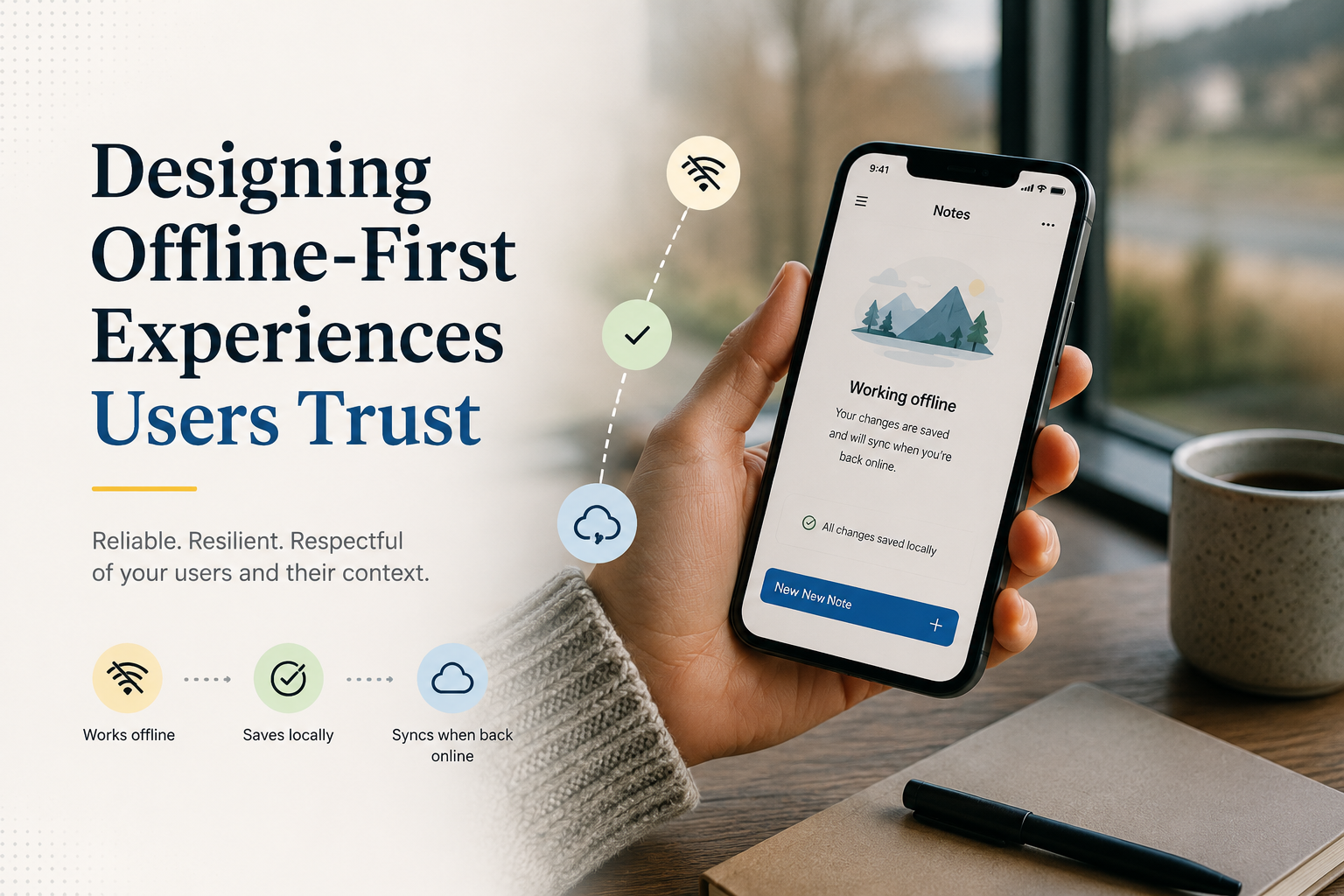
Designing Offline-First Experiences Users Trust
What “Offline-First” Really Means (and Why Users Notice)
Offline-first is not simply “the app works with no internet.” It is a product and engineering posture: the app assumes connectivity is unreliable, prioritizes local responsiveness, and treats the network as an optimization rather than a dependency. When done well, screens load instantly, actions feel dependable, and users don’t have to think about airplane mode, elevators, subways, or spotty Wi‑Fi.
Users notice offline-first design because it reduces uncertainty. A button tap that always produces an immediate, understandable result builds trust; a spinner that waits on the network erodes it. This is especially true for on-the-go contexts—field service, retail, healthcare, delivery, travel, and emerging markets—where “good enough” connectivity is not guaranteed.

Start With Product Decisions: Define the Offline Contract
The fastest way to derail an offline initiative is to begin with storage and synchronization before clarifying what must work offline. Define an “offline contract” that answers: what can users read, create, edit, and submit without a connection—and what happens when the device reconnects?
Make this contract explicit in your requirements and acceptance criteria. Product, design, QA, and engineering should agree on offline behavior for every primary user journey. When teams skip this step, they later discover edge cases like “editing a draft requires a server-generated ID” or “pricing rules change daily and must be validated online.”
- Offline read: Which screens must load from local data (e.g., recent orders, cached catalog, saved documents)?
- Offline write: Which actions can be queued locally (e.g., create a note, capture a signature, scan items)?
- Degraded mode: Which features can show limited functionality (e.g., search only within cached results)?
- Hard online-only: Which operations truly require network (e.g., payment authorization, real-time inventory lock)?
Actionable tip: create a simple matrix in your backlog with columns for “Offline Read,” “Offline Write,” “Sync Priority,” and “Conflict Risk.” This forces concrete decisions and highlights what requires the most careful design.
Design the Local Data Layer Like a Real Source of Truth
Offline-first apps work best when local storage is treated as the primary source of truth for the UI. Instead of rendering directly from network responses, write data into a local database and have the UI observe local state. This approach reduces flicker, makes state predictable, and enables consistent behavior online and offline.
On Android, common choices include Room (SQLite) with a repository pattern, DataStore for preferences, and WorkManager for reliable background tasks. On iOS, Core Data or SQLite-backed layers (or SwiftData in newer stacks) pair well with background refresh tasks and URLSession. Cross-platform stacks often use SQLite under the hood plus a sync engine.
Actionable tip: favor stable identifiers and normalized tables/collections. If your UI depends on server IDs that only exist after upload, introduce client-generated IDs (UUIDs) and map them to server IDs after sync. This prevents “create offline” from being blocked by the server.
Pick a Sync Strategy That Matches Your Domain
Synchronization is where offline-first succeeds or fails. There is no universal best strategy; the right approach depends on your data model, collaboration needs, and tolerance for conflicts. A good sync design is predictable, observable, and resilient to partial failures.
Common approaches (choose intentionally)
- Queue-based (command log): Store user actions locally as operations (create/update/delete) and replay them to the server when online. This is excellent for forms, checklists, and transactional workflows.
- State-based (record replication): Store full records and sync diffs using timestamps, versions, or change tokens. Useful for datasets where the latest state matters more than the sequence of actions.
- Hybrid: Queue writes but replicate reads via incremental updates. Often the most pragmatic option.
Actionable tip: implement an outbox table/collection for pending operations with fields such as id, entityType, entityId, operation, payload, attemptCount, nextRetryAt, and status. This structure makes sync debuggable and testable.
Conflict resolution: If users can edit the same record on multiple devices, decide upfront how conflicts resolve: last-write-wins, server-authoritative merges, field-level merges, or user-driven resolution. For many business apps, a pragmatic approach is: prevent conflicts via ownership/locking when possible, otherwise use versioning (ETags/row versions) and surface a clear resolution UI for high-value records.
UX Patterns That Make Offline Feel Safe (Not Scary)
Offline-first is as much design as it is engineering. Users need continuous feedback that their work is safe, even if the network is not. The best offline UX avoids alarming banners and instead provides calm, contextual status.
- Immediate local confirmation: When a user saves a form offline, show success instantly and store it locally. Don’t block on a server response.
- Clear sync state: Use small, consistent indicators like “Saved” / “Syncing…” / “Needs attention” rather than generic “Error.”
- Queued actions view: For workflows with many offline actions (e.g., deliveries, inspections), provide an “Outbox” screen so users can see what’s pending and retry if needed.
- Graceful limits: If search requires the server, offer “Search cached results” and a message like “Connect to search the full catalog.”
- Non-destructive errors: Never discard user input due to connectivity. Persist drafts automatically and recover on next launch.
Example: In a field inspection app, inspectors often move between basements and rooftops. A trustworthy offline UX lets them complete an entire inspection offline, attaches photos to locally created records, and shows each inspection as “Ready to sync” until it uploads. If an upload fails due to authentication expiry, the app should keep the inspection intact, prompt re-login, then resume syncing automatically.
Engineering Checklist: Reliability Over Perfection
Once the product contract and UX patterns are set, focus on making the system reliable under real-world conditions: intermittent connectivity, OS background restrictions, low storage, and app kills. Offline-first fails most often not because the algorithm is wrong, but because the “last 10%” operational details are ignored.
- Connectivity is a hint, not a guarantee: Even if the device says it’s online, requests can fail. Handle timeouts and partial responses gracefully.
- Use retries with backoff: Exponential backoff plus jitter prevents battery drain and server thundering herds.
- Make operations idempotent: Ensure retries don’t create duplicates (use idempotency keys on the server).
- Persist sync metadata: Store last sync tokens, record versions, and failure reasons so issues can be diagnosed.
- Respect platform constraints: Use WorkManager (Android) / BackgroundTasks (iOS) appropriately; don’t assume long-running background execution.
- Encrypt sensitive local data: Use OS keystores and encrypted databases where needed, especially for healthcare/finance.
Actionable tip: add structured logging around sync (operation IDs, timestamps, HTTP codes, and server error payloads) and expose a diagnostic screen behind a gesture for QA and support. This dramatically reduces time-to-fix when sync issues appear in production.
Testing Offline-First: Simulate the Messy Reality
Offline-first features require more than unit tests. You need scenario tests that mimic what users do: create records offline, force-close the app, reboot the device, sign out, run low on storage, reconnect on a captive portal, and then verify data integrity and sync behavior.
Testing ideas you can operationalize immediately:
- Network toggling scripts: Automate airplane mode on/off while actions are performed to surface race conditions.
- Kill-and-resume tests: Force-stop the app mid-sync and verify no corruption and no duplicate uploads.
- Conflict simulations: Edit the same record on two devices, sync in different orders, and confirm deterministic outcomes.
- Large payload tests: Photos, attachments, and long forms reveal timeout and memory issues early.
Actionable tip: define a “sync SLA” for your app (e.g., “95% of queued operations sync within 2 minutes after connectivity returns”) and test against it in QA using realistic datasets.
Metrics That Prove Offline-First Is Working
To improve offline-first over time, instrument it. Without metrics, teams only see anecdotal complaints and can’t prioritize fixes.
- Queue depth: Average and P95 pending operations per user.
- Sync latency: Time from operation creation to server acknowledgment.
- Failure rates by reason: Auth, validation, network timeouts, conflict, payload too large.
- Duplicate prevention: Count of idempotency collisions or server dedup hits.
- User impact: How often users see “Needs attention” states and how quickly they resolve them.
Insight: if you see high validation failures during sync, that’s usually a product contract problem (allowing offline input the server later rejects) rather than a purely technical one. Either tighten offline constraints (with clear guidance) or evolve server rules to accept offline workflows.
Closing: Build Confidence One Journey at a Time
Offline-first is a competitive advantage when it’s approached holistically: a clear offline contract, a local-first architecture, a sync strategy aligned to your domain, UX patterns that communicate safety, and rigorous testing under real conditions. Start with one high-value journey (like “create and submit a report”) and make it impeccable. Then expand outward, using metrics to guide the next improvements.
When users trust that the app will not lose their work, they use it more, complete tasks faster, and rely on it in the moments that matter—exactly where mobile experiences should shine.


0 Comments
1 of 1